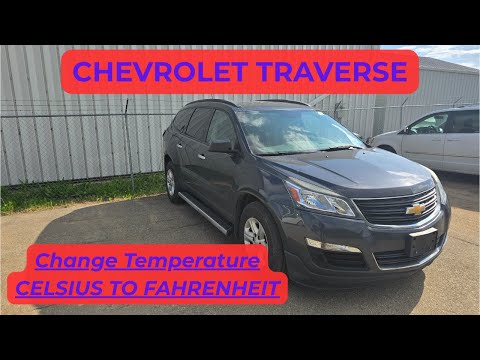
Short tutorial video on changing displayed exterior temperature units from Fahrenheit ( F° ) to Celsius ( C° ) or vice versa on Chevy Traverse SUV ( 2013 | 2014 | 2015 | 2016 | 2017 | LS | LT | LTZ | 3.6 | AWD).
*Support the channel and get extra perks as a Channel Member:*
https://www.youtube.com/channel/UCvyScrAKiK8NL66K4yrQTnA/join
To change the outside temperature display you will be using two buttons just under the radio screen and you will be looking at the small screen on the instrument cluster. Keep pressing a “car button” until you reach units. Then press Checkmark button to make selection between Metric (Celsius) and English (Fahrenheit).
THIS VIDEO IS AVAILABLE IN DIFFERENT LANGUAGES!
Press Settings under the video and then Audio Track!
Thanks for watching.
Don’t forget to *Like* the video / *SUBSCRIBE* to the channel!
⚠ DISCLAIMER:
While QuiteAlright strives to make the information provided in this video as accurate as possible, it makes no claims, promises, or guarantees about the accuracy, completeness or applicability of the content. The videos are intended for information only. Follow the manufactures repair procedure and use appropriate safety procedures. No information contained in this video shall create any expressed or implied warranty or guarantee of any particular result. All do-it-yourself projects entail some risk. It is the sole responsibility of the viewer to assume this risk. QuiteAlright is not responsible or liable for any loss damage (including, but not limited to, actual, consequential, or punitive), liability, claim, or any other injury or cause related to or resulting from any information posted in this video.
'))
Comments
Comments are disabled for this post.